Today and the timeline
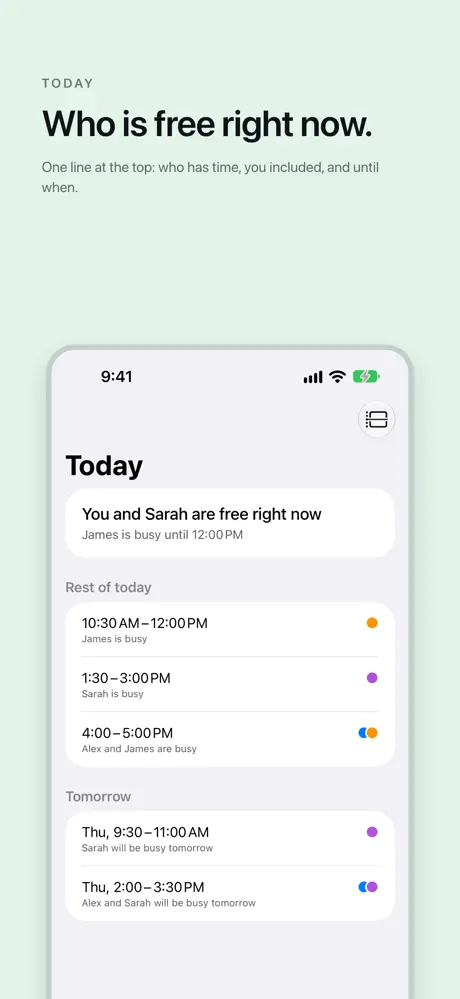
Who is free right now
One line at the top: who has time, you included, and until when. Below it, everyone you follow, one line each: free until four, busy for the rest of the day, free all day.
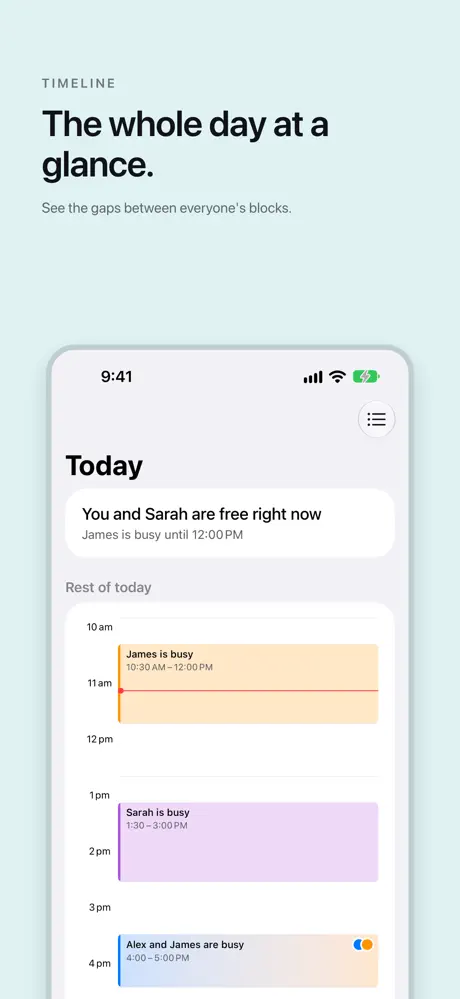
The whole day at a glance
See today and tomorrow as a summary or a timeline, with everyone’s blocks merged. When you and one person are both free, the window is marked, so finding a time is a look rather than a conversation.
People
Switch someone off to leave them out of Today. Tap a colour dot to change their colour.
Tell me when they are free
Ask Alto Calendar to tell you when someone becomes free, and it sends a notification when their block ends.
When their time is out of date
Alto Calendar reads their calendar as iCloud has it. If someone has not opened the app for a while, their blocks can be old: it says when they were last updated, and you can ask them to open Alto Calendar once.